
Track Every Job Application in One Place
Ditch the spreadsheet. Keep every application, its job description and the resume you sent on one board built for job searching.
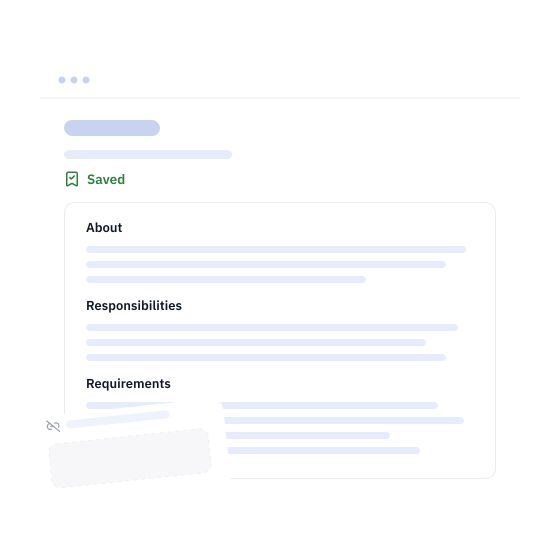
Save Job Descriptions
Every job keeps its full job description. When the posting is taken down, you still have it to prepare for your interview.
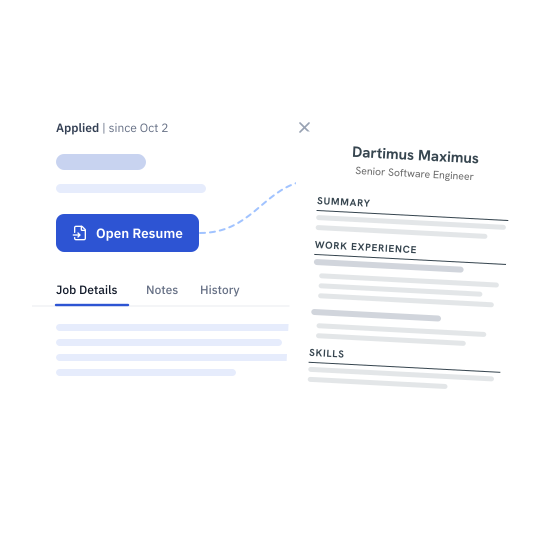
Track the Resume You Sent
Each job keeps the tailored resume you applied with, one click away. No surprises in the interview about what you sent.
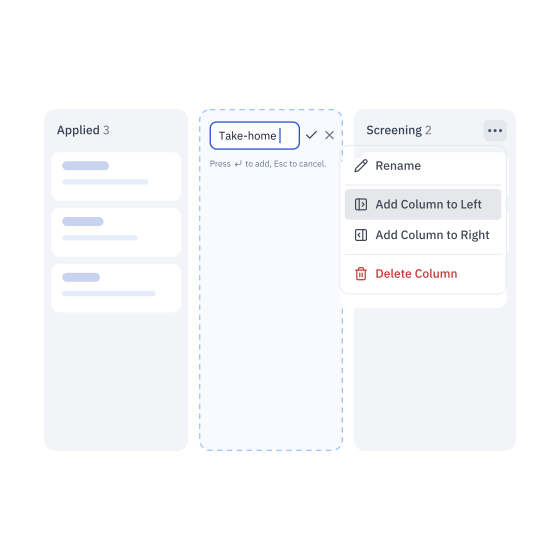
Custom Tracker Stages
Rename any column and add stages of your own, up to 5, so the board follows your hiring process, not ours.
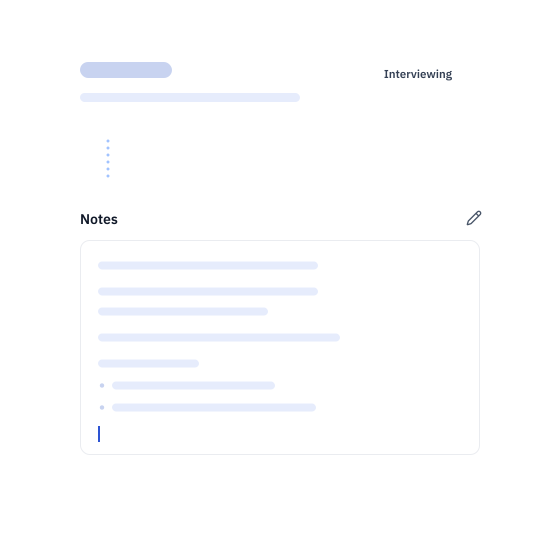
Private Notes
Keep notes on each job: what the recruiter said, questions to ask in the interview, anything you want to remember. Only you can see them.
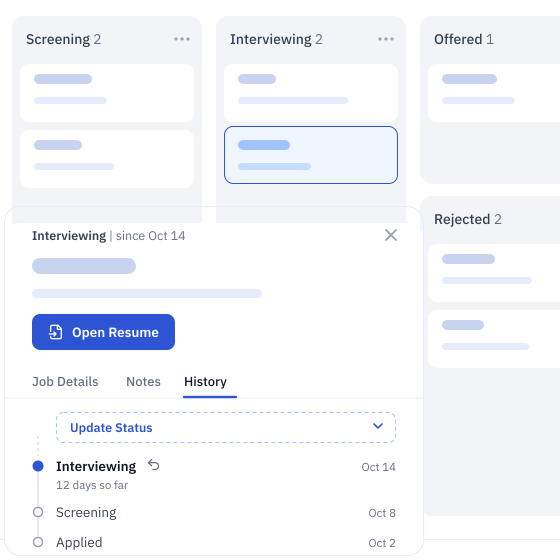
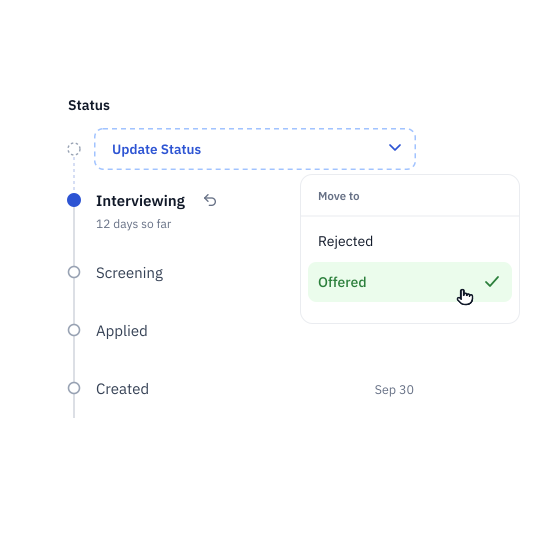
Every Move, Dated
History shows the path each application took and when. Move a job on with Update Status, or undo a move in one click.
Frequently Asked Questions
A job tracker is any system you use to organize the job opportunities you're interested in. It keeps track of your applications, interviews, follow-ups and everything else in your job search.
Most people build one in Google Sheets, Excel or Notion.
A good job tracker has four things: application tracking with a status, job description storage, document storage, and a place for notes. Dartiga's free Job Tracker has all four on one board.
Setting application goals and tracking your progress has been shown to boost early job search success, and it keeps you motivated. When you record every application, you can spot patterns in the responses you get and see which approaches are working.
A tracker also reminds you to follow up on promising roles before they slip through the cracks. It keeps every job description, tailored resume and note in one place, so you're ready when an interview invite arrives out of the blue.
As a bonus, some countries require a record of your job search to keep receiving unemployment benefits.
There are many ways, from pen and paper to apps built for the job:
- Spreadsheets: Excel or Google Sheets, with a row per application for dates, company, status and notes. Use our free Job Application Tracker Spreadsheet if you prefer one.
- Job search apps: apps like Dartiga, built to track applications with statuses, documents, notes and saved job descriptions.
- Project management apps: Trello, ClickUp, Asana or Notion, moving each job through stages like Applied, Interviewing and Offered.
- Notebooks and planners: for people who like to write things down.
- CRM tools: such as HubSpot's free version, repurposed for applications and professional contacts.
- Notes apps: Evernote, OneNote or Apple Notes, organized with tags and folders.
- Email folders: a folder per stage for confirmations and follow-ups.
The free Dartiga Job Tracker is possibly the best way to keep track of your job applications. Unlike a spreadsheet you maintain by hand, it's built for job searching.
Its board works the moment you open it, so there's none of the learning curve of repurposing Trello or Asana.
It also works with the rest of Dartiga: create a tailored resume for any job on your board, and compare your resume to its job description.
A job tracker saves time, but sometimes a spreadsheet is what you know. Use Dartiga's own: the free Job Application Tracker Spreadsheet, with follow-up reminders and charts of your search.
Here's another one we found that may come in handy: Sheets for Job Hunting.
It's built for tracking jobs, so you get features that make your search more effective today and more as they ship: no formulas or scripts to maintain, a board made for job searching, and every job linked to its description and tailored resume.
Yes. With a free account you can track as many jobs as you like, forever. Without an account you can try it with up to 3 jobs.
Can't find the answer you're looking for? Email [email protected].